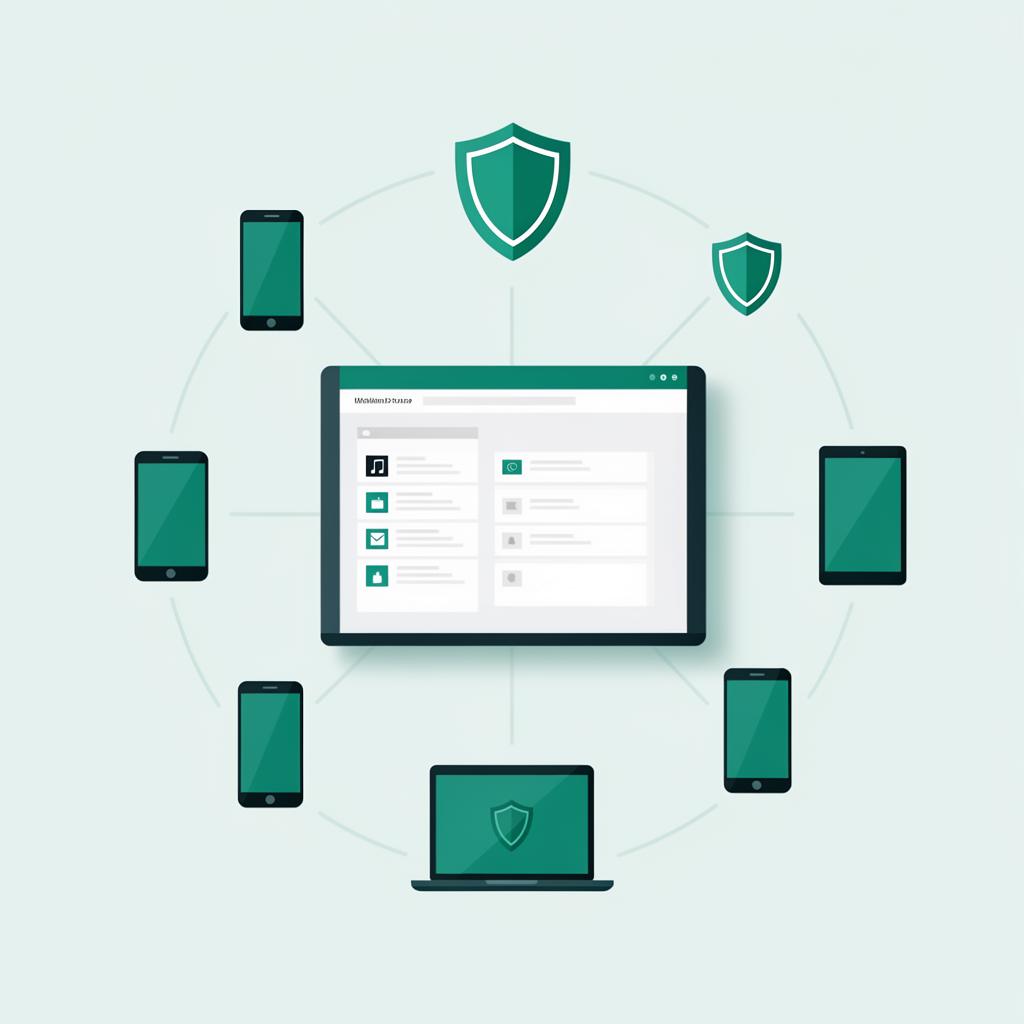
What Is Mobile Device Management?
Mobile Device Management (MDM) is a technology solution that allows businesses to remotely manage, secure, and monitor the mobile devices used by their employees. This includes smartphones, tablets, laptops, and increasingly IoT devices.
Think of MDM as a centralized control panel for every device that touches your company data. From a single dashboard, IT administrators can enforce security policies, push software updates, configure email and Wi-Fi settings, and even remotely wipe a device if it's lost or stolen.
As workforces become more mobile and distributed, MDM has shifted from a 'nice to have' for enterprises to a necessity for businesses of every size.
Why Your Business Needs MDM Now
The average employee uses 2.5 devices for work. Each one is a potential entry point for cyber threats, data leaks, and compliance violations. Without MDM, you have zero visibility into what's happening on those devices.
Consider this: an employee loses their phone at a restaurant. That phone has access to your company email, customer database, financial records, and possibly your cloud infrastructure. Without MDM, you have no way to remotely lock or wipe that device. Your data is exposed until someone finds the phone—and you have to hope it's not someone malicious.
With MDM, you can remotely lock the device within seconds, wipe company data while preserving personal files, and track its location. The difference between a minor inconvenience and a catastrophic data breach.
60% of small businesses that suffer a data breach close within 6 months. MDM is your first line of defense.
Core MDM Features You Should Know
Device Enrollment: Automate the setup of new devices with pre-configured settings, apps, and security policies. An employee gets a new phone, turns it on, and it's ready for work in minutes—not hours of manual configuration.
Security Policy Enforcement: Require passcodes, enforce encryption, block jailbroken devices, and restrict which apps can access company data. These policies apply automatically and can't be bypassed by end users.
App Management: Control which apps are installed on company devices. Push required business apps, block risky ones, and manage licenses from a central dashboard. You can even create a private app catalog for your organization.
Remote Actions: Lock, locate, or wipe devices from anywhere. This includes selective wipe—removing only company data while leaving personal photos and apps untouched. Essential for BYOD environments.
BYOD vs. Company-Owned: MDM Handles Both
Whether your employees use company-issued devices or bring their own, MDM adapts. For company-owned devices, you get full control—every setting, every app, every policy is managed centrally.
For BYOD (Bring Your Own Device), MDM creates a secure container on the employee's personal device. Company data lives inside this container, completely isolated from personal apps and data. When an employee leaves, you wipe the container—and only the container. Their personal photos, music, and apps remain untouched.
This separation is critical for maintaining employee trust while protecting company interests. Modern MDM platforms make this seamless and transparent.
Start with a clear BYOD policy before deploying MDM. Define which devices are supported, what data will be managed, and what happens when an employee leaves.
Choosing the Right MDM Platform
The MDM market is crowded with options—from enterprise-grade platforms like VMware Workspace ONE and Microsoft Intune to SMB-focused solutions like Jamf and Mosyle. The right choice depends on your device mix, budget, and technical resources.
Key factors to evaluate: Does it support your device types (iOS, Android, Windows, macOS)? How complex is the setup? What's the per-device cost? Does it integrate with your existing tools? Is there adequate support?
For most SMBs, the best approach is working with a managed provider who handles the platform selection, deployment, and ongoing management. You get enterprise-grade security without needing an in-house IT team to run it.
Getting Started with MDM
Implementation doesn't have to be overwhelming. Start with an inventory of all devices that access company data. Then define your security requirements—what's the minimum acceptable standard for a device to touch your network?
Roll out in phases: start with company-owned devices, then extend to BYOD. Communicate clearly with employees about what MDM does and doesn't monitor (spoiler: it doesn't spy on personal activities). Transparency builds trust and adoption.
Most businesses see full deployment within 2–4 weeks, with immediate security improvements and long-term operational efficiency gains.
Key Takeaways
- MDM gives you centralized control over every device accessing company data
- Remote wipe capability is essential for protecting data on lost or stolen devices
- BYOD and company-owned devices can both be managed with proper containerization
- Start with a device inventory and clear security policies before deploying
- Consider a managed MDM provider to avoid the overhead of running it in-house
Need Help With This?
Our team specializes in device management. Let's talk about how we can help your business.
Get a Free Consultation