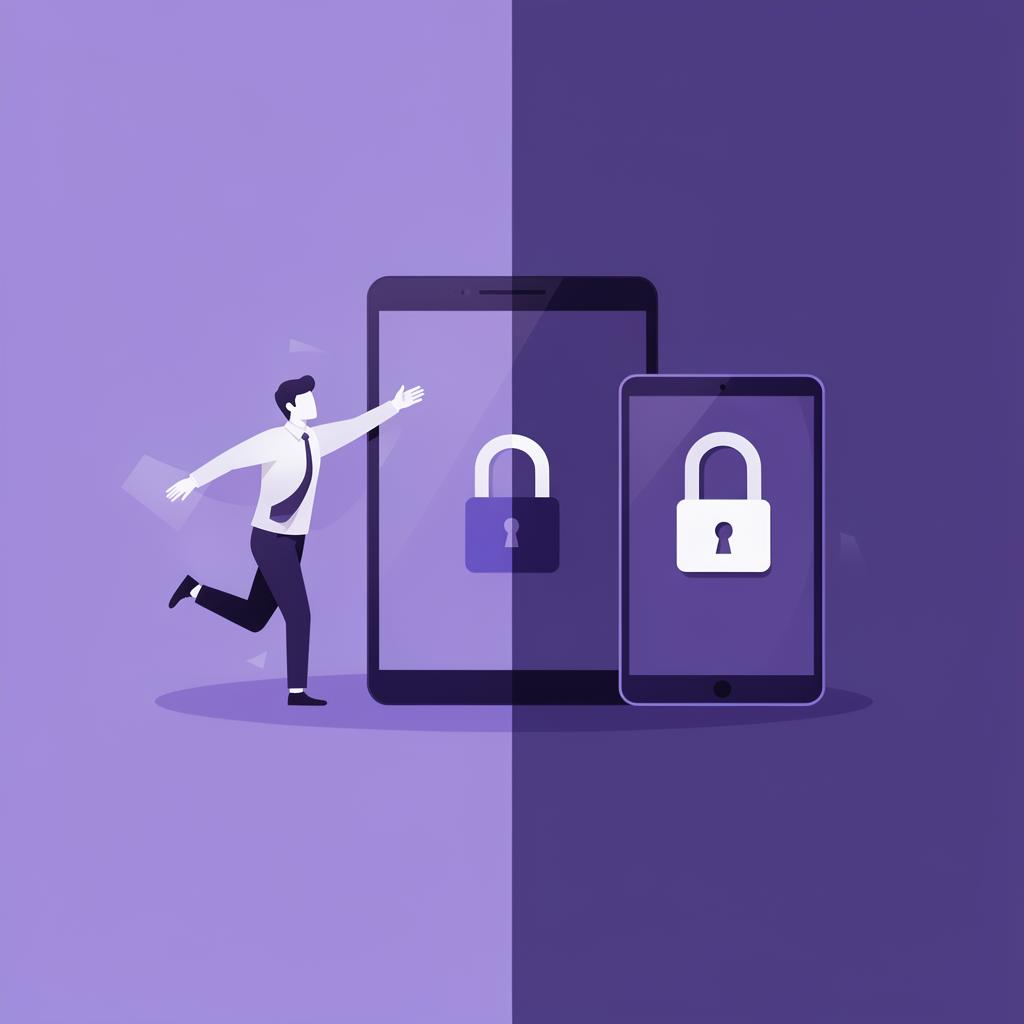
The BYOD Dilemma
Bring Your Own Device (BYOD) is a reality for most businesses, whether they have a formal policy or not. Employees are accessing company email on personal phones, opening documents on home laptops, and using their own tablets in meetings. The question isn't whether BYOD is happening—it's whether you're managing it.
Done right, BYOD reduces hardware costs, increases employee satisfaction, and improves productivity (people work better on devices they're comfortable with). Done wrong, it creates massive security vulnerabilities, compliance risks, and data management nightmares.
Start with a Clear, Written Policy
Before you touch any technology, write a BYOD policy that answers these questions: Which devices and operating systems are supported? What company data can be accessed on personal devices? What security requirements must personal devices meet? What happens to company data when an employee leaves?
The policy should be clear enough that a non-technical employee understands their responsibilities. It should be signed by every employee who wants to use their personal device for work. And it should be reviewed annually as threats and technology evolve.
Don't make the policy so restrictive that employees circumvent it. The goal is reasonable security that people actually follow—not theoretical perfection that drives shadow IT.
Include a FAQ section in your BYOD policy. The #1 employee concern is always 'Can my employer see my personal photos and texts?' (Answer: No, with proper MDM containerization.)
Containerization: The Technical Foundation
Modern MDM platforms use containerization to create a secure, encrypted workspace on personal devices. Company email, documents, and apps live inside this container—completely isolated from personal data.
The container can be managed, monitored, and wiped independently. If an employee leaves or loses their device, you wipe the container. Their personal photos, apps, and data remain untouched. This separation is what makes BYOD viable from both a security and privacy perspective.
Without containerization, your options are binary: either you take full control of the device (which employees hate) or you have no control at all (which puts your data at risk). Containerization gives you the third option—targeted security where it matters.
Minimum Security Requirements
Every BYOD device should meet minimum security standards before accessing company resources. These aren't negotiable—they're the baseline that keeps your data safe.
Essential requirements: device passcode or biometric lock enabled, operating system updated to the latest version, encryption enabled (standard on modern iOS and Android), no jailbroken or rooted devices, and company-approved security software installed.
Your MDM platform can automatically verify these requirements and block access for non-compliant devices. This isn't punitive—it's protective. An unpatched device with no passcode is an open door to your entire network.
Never allow jailbroken or rooted devices to access company data. They bypass the operating system's built-in security protections and cannot be trusted.
Network Security for Personal Devices
BYOD devices connecting to your company network need additional protections. Segment your network so personal devices connect to a separate VLAN from your critical infrastructure. Require VPN connections for remote access to sensitive systems.
Implement certificate-based Wi-Fi authentication instead of shared passwords. When an employee leaves, you revoke their certificate—you don't need to change the Wi-Fi password for the entire company.
Consider implementing a zero-trust network architecture where every connection is verified regardless of the device or network. This approach is increasingly standard and works perfectly with BYOD environments.
Making BYOD Work Long-Term
BYOD isn't a one-time project—it's an ongoing program. Review your policy quarterly, update security requirements as threats evolve, and train employees annually on their responsibilities.
Track key metrics: number of enrolled devices, security incidents involving personal devices, help desk tickets related to BYOD, and employee satisfaction with the program. These metrics help you continuously improve the balance between security and usability.
The businesses that succeed with BYOD treat it as a partnership with their employees. Clear communication, reasonable policies, and respect for personal privacy create a program that protects the company without alienating the people who make it run.
Key Takeaways
- Write a clear, reasonable BYOD policy before deploying any technology
- Use MDM containerization to separate company and personal data
- Enforce minimum security requirements: passcodes, encryption, current OS
- Segment your network and use certificate-based authentication
- Review and update the program quarterly to stay ahead of threats
Need Help With This?
Our team specializes in security. Let's talk about how we can help your business.
Get a Free Consultation